This stage runs a JavaScript transformation on documents using a script from the blob store. The script must have the blob type file:js-index.

Uploading a JavaScript blob

In Fusion 5.9, JavaScript blobs must be uploaded using the Blob Store API, like this:
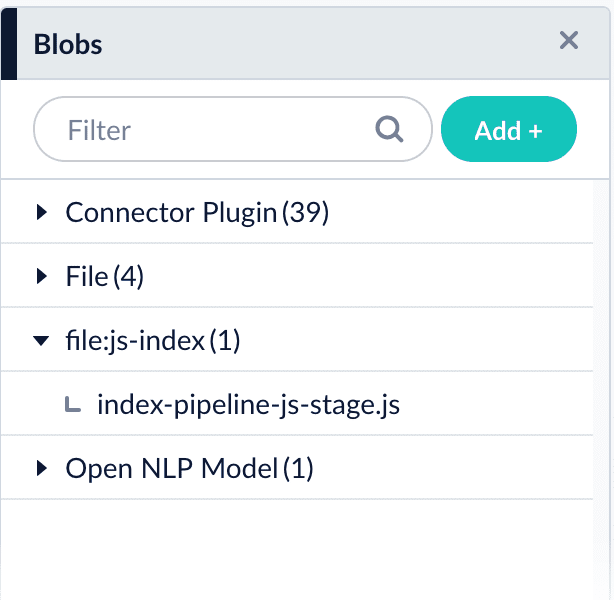
Open the blob manager to verify that the new blob is present: Uploaded JavaScript blob in the blob manager

Referencing a JavaScript blob

Use any of the following formats for the ref/Script Reference configuration field:
The examples above use index-pipeline-js-stage.js as the blob ID.

Edit JavaScript

For Fusion 5.4.x and later, select Edit in the Script Reference field to edit JavaScript directly in the Fusion UI.

JavaScript examples

When reusing a script in both Managed JavaScript index stages and Managed JavaScript query stages, you need to upload it twice: once as a file:js-index blob and once as a file:js-query blob.

Set up a reusable library

This is an example of a reusable JavaScript library that provides various utility functions for string processing, date handling, and type conversion. To reuse Javascript functions, create a stage like this one that defines them, then place it before any of the stages that use it.

Configuration

When entering configuration values in the UI, use unescaped characters, such as \t for the tab character. When entering configuration values in the API, use escaped characters, such as \\t for the tab character.