

Configuration options
Templates
When creating or editing a template, the status, such as active or stale, is indicated after the template name.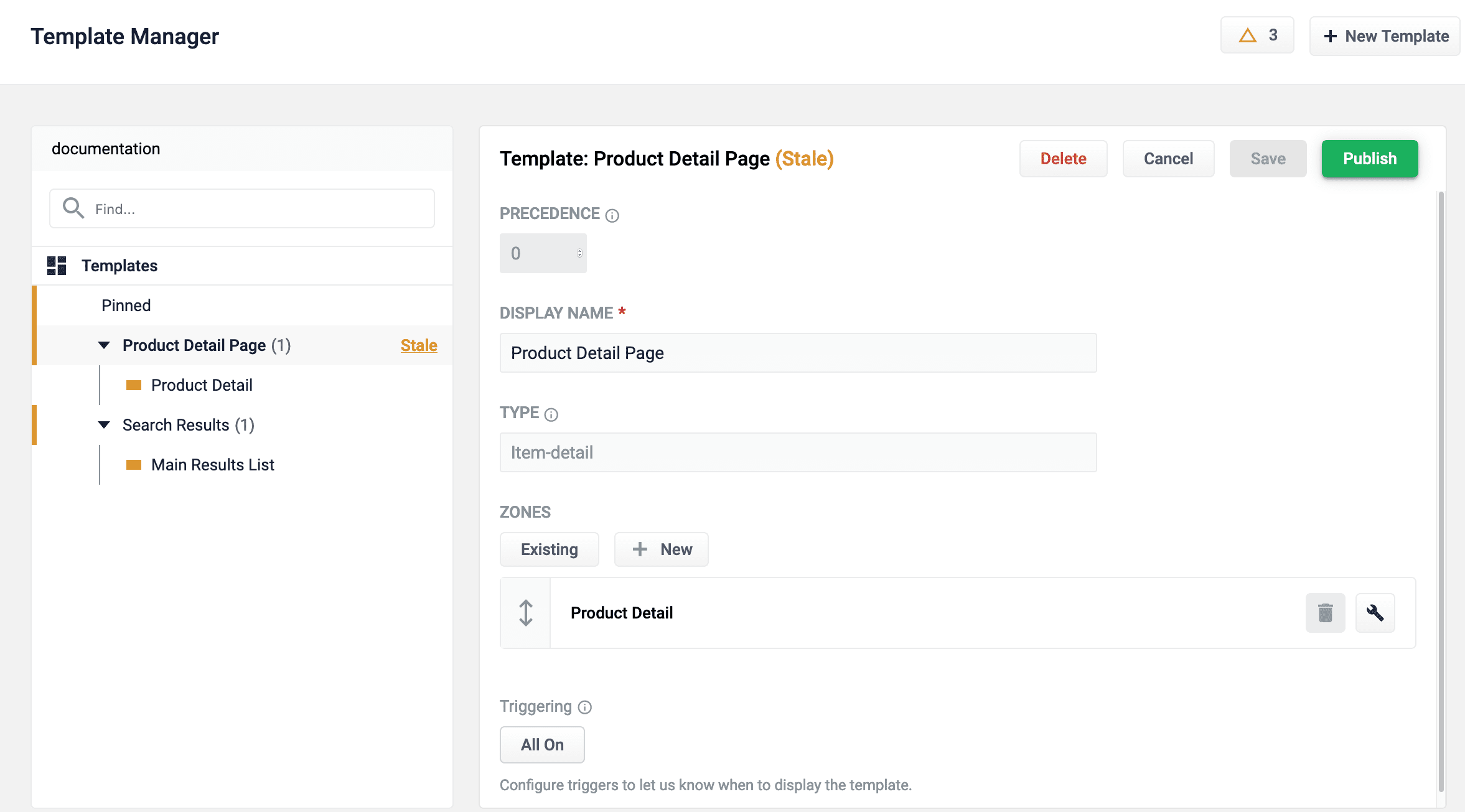
Configuration options for templates:
Triggering
The date range trigger is activated alongside triggers with anAND logical operator. Conversely, triggers are activated alongside other triggers with an OR logical operator. For example, consider the following scenarios:
In Scenario 1, no date range is configured. The template is triggered if:
- The user searches the term
cyber mondayorsales event.
- Today’s date is within the date range
November 25, 2020 - December 5, 2020, and the user searches the termcyber monday - Today’s date is within the date range
November 25, 2020 - December 5, 2020, and the user searches the termsales event
- Today’s date is not within the date range
November 25, 2020 - December 5, 2020 - Today’s date is within the date range
November 25, 2020 - December 5, 2020, but the user does not search the termcyber mondayorsales event
Zones
| Option | Description |
|---|---|
| Display Name | The name of the zone. |
| Type | An arbitrary value classifying the zone. It has no effect on triggering/rendering logic. Intended only to be used by the PM UI. This value is read-only and for informational purposes only. |
| Query Profile | Determines query profile the zone will fetch results from. |
| Tags | Tags are passed to the query profile when rendering. They are combined with tags found in the request parameters of the render request. |
| Omit Filters from Query | If set to On, the filters (fq) are ignored. For example, if you want the zone to display items with type sunglasses even though the user has filtered the results to shorts, enabling this setting allows the zone to display sunglasses. |
| UI Treatment | Arbitrary text that is included in the response when rendering the zone. This is generally used by the frontend to determine how to display the zone. UI Treatment tags accept a color value to help distinguish them in the Predictive Merchandiser screen: 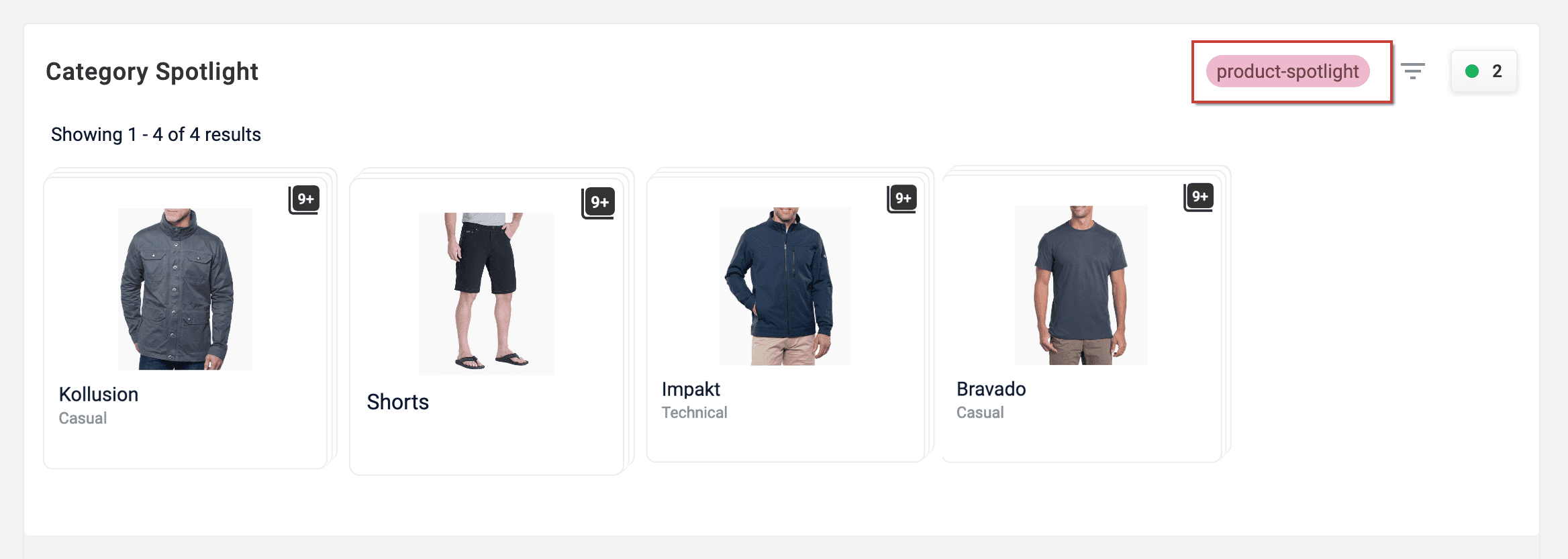 |
| Results Layout | Select grid or list view. |
| Display Fields | Add field names and how they are displayed (type of field). |
| Product Image | Field name for the product image. |
| Product Title | Field name for the product title. |
| Product Description | Field name for the product description. |
Product Image, Product Title, and Product Description are only used for rendering products in Predictive Merchandiser. Your search application will determine what fields are used in production.