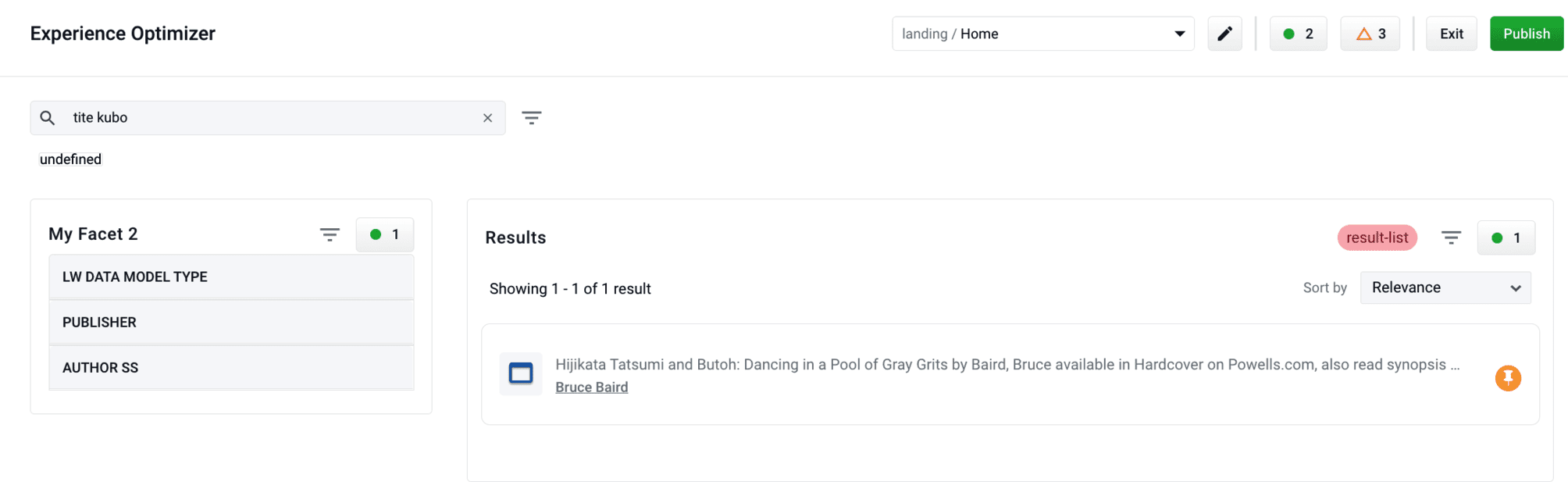
As a search manager, search queries that generate zero results can drive customers away from the site. Experience Optimizer allows you to ensure this does not happen. Instead of display zero results, you can choose to display certain documents when a customer reaches a zero results page. Learn how to use the Optimizing Zero Results feature.Documentation Index
Fetch the complete documentation index at: https://doc.lucidworks.com/llms.txt
Use this file to discover all available pages before exploring further.
Optimizing Zero Results
-
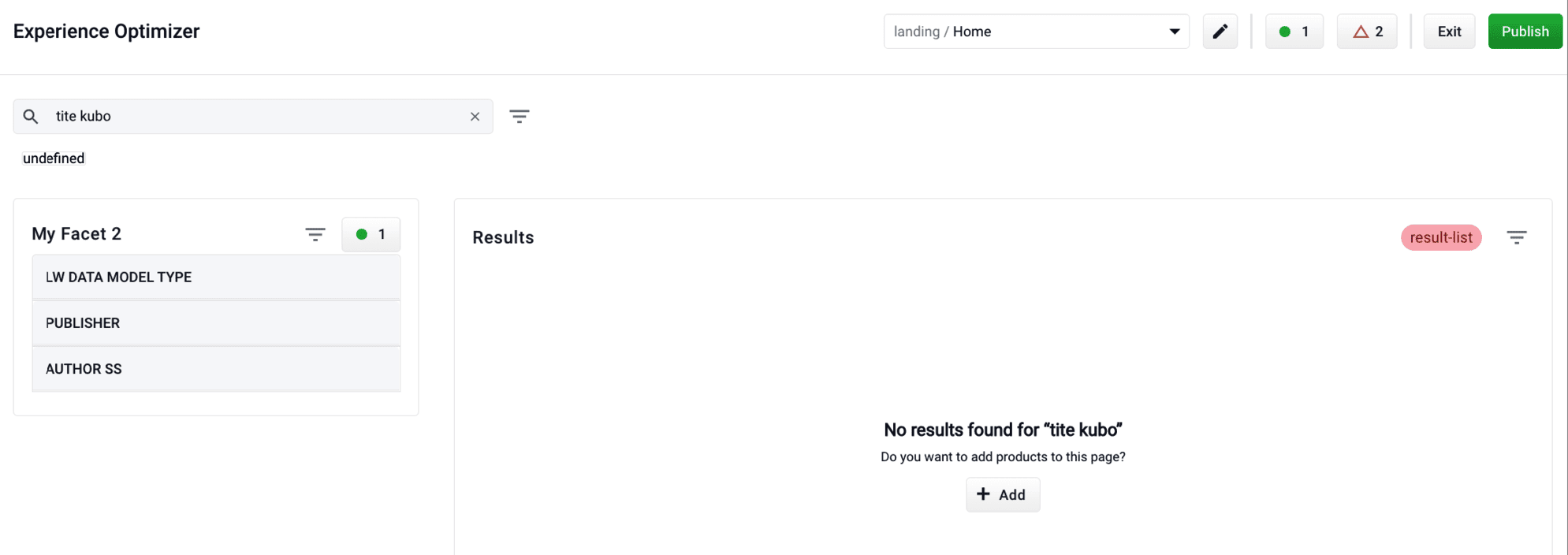
Enter a search query the generates 0 results:
-
Click the Add button:
-
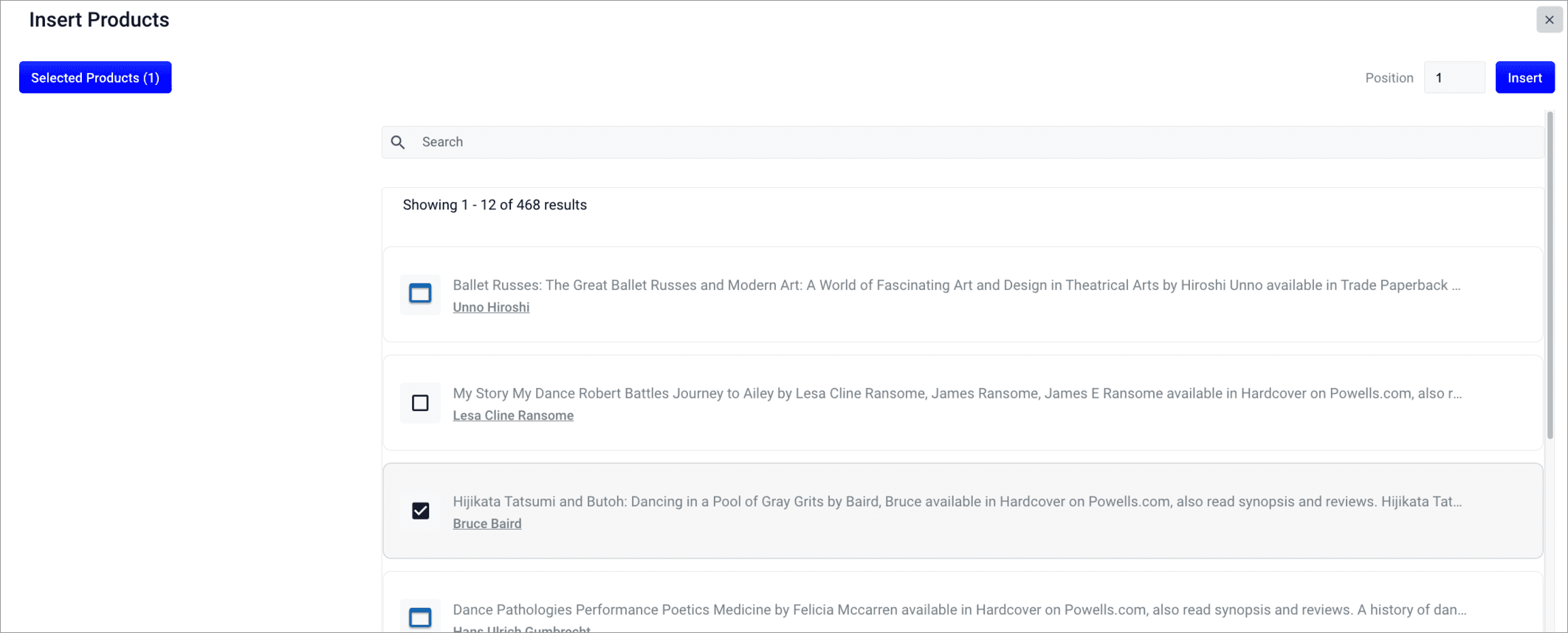
Select documents or document groups that you want to associate with the 0 results query:
-
Click the Insert button. The selected products are now displayed when the search query is used, resolving the 0 results query: