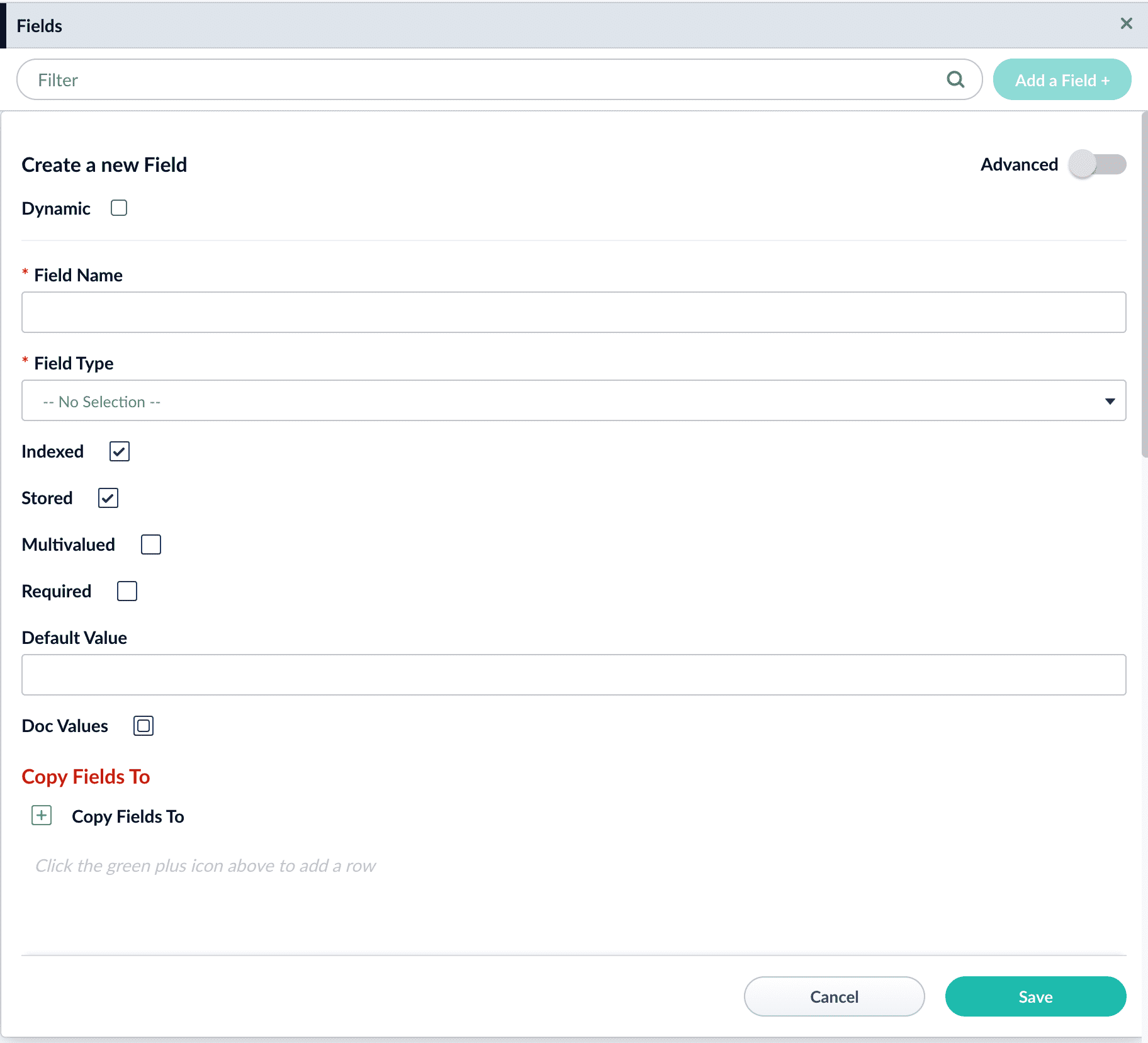
The Fusion UI includes a space under Collections to edit Fields. Fields help build the schema file and are modified from Fusion with the Fields Editor UI. These fields define how Solr should interpret data in a given field and how to query the fields. You can find descriptions for these fields in the Field Type Definitions section of the Solr Reference Guide associated with your Fusion release.To use the Field Editor, navigate to Collections > Fields and click Add a Field+.Field options displayed in the UI include:
Option
Input
Notes
Dynamic
checkbox
Fields that are indexed even if they weren’t included in the schema.
Field Name
alphanumeric
Field Type
menu drop-down
Indexed
checkbox
Stored
checkbox
Multi-valued
checkbox
Required
checkbox
Default Value
text
Copy Fields
uses the plus sign to add rows
static can copy to raw_content or text. dynamic can copy to any raw_content, text, or any other dynamic field.
Advanced toggles checkboxes for Doc Values, Omit Norms, Omit Positions, Omit term freq and positions, Term Vectors, Term Positions, and Term Offsets.