Documentation Index
Fetch the complete documentation index at: https://doc.lucidworks.com/llms.txt
Use this file to discover all available pages before exploring further.
Description
The no results directive will display a message when no results are
found on the response.
This tag should not be put in the
<search:result-list></search:result-list>
Usage
as element:
<search:no-results
response="{string}">
</search:no-results>
Directive info
- This directive creates new scope.
Parameters
| Param | Type | Details |
|---|
| response | string | The response object containing the results |
Example
Source
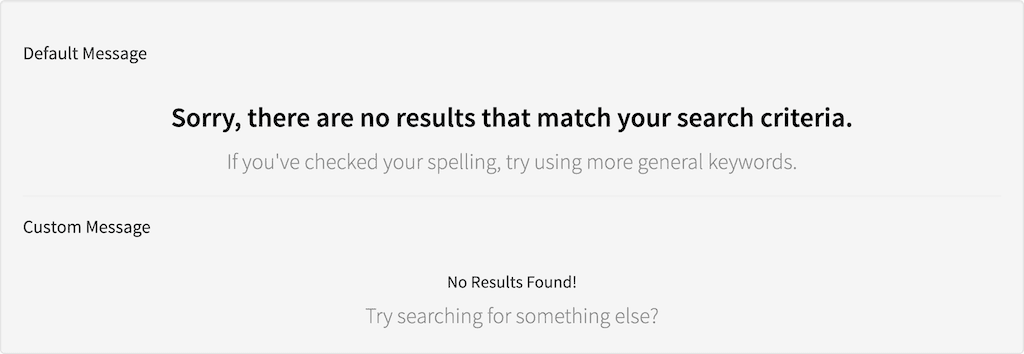
<h5 id="example_source_default-message">Default Message</h5>
<search:result-list></search:result-list>
<search:no-results response="response"></search:no-results>
<hr />
<h5 id="example_source_custom-message">Custom Message</h5>
<search:result-list></search:result-list>
<search:no-results response="response">
<h4 id="example_no-results-found">No Results Found!</h4>
<p>Try searching for something else?</p>
</search:no-results>
angular.module('lightning').controller('ExampleController', ['$scope', 'ResponseService', function($scope, ResponseService) {
var response = {};
ResponseService.setResponse('response', response);
}]);
Result