Description
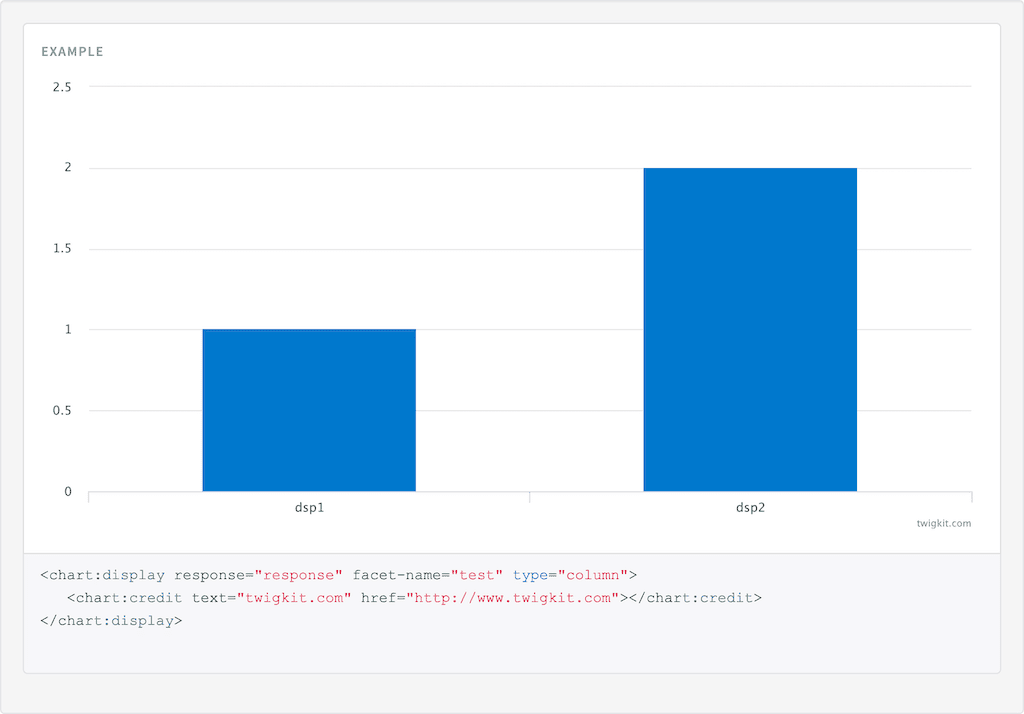
To display a credit on the chart in the bottom right hand corner use the Chart Credit tag with the text and href attributes. This tag must be nested in the Chart Display tag.Usage
as element:<chart:credit
[text="{string}"]
[href="{string}"]>
</chart:credit>
Directive info
- This directive creates new scope.
Parameters
| Param | Type | Details |
|---|---|---|
| text (optional) | string | The text for the credits label. |
| href (optional) | string | Url to redirect the user to when they click the credit. |
Example
Source
<chart:display response="response" facet-name="test" type="column">
   <chart:credit text="twigkit.com" href="http://www.twigkit.com"></chart:credit>
</chart:display>
angular.module('lightning')
.controller('ExampleController', ['$scope','$timeout','ResponseService', function($scope,$timeout,ResponseService) {
            $scope.response = {
                page: 2,
                query: {
                    rpp: 50
                },
                facets: {
                    test: {
                        filters: [
                            {

                                val: {
                                    dsp: 'dsp1',
                                    act: 1
                                },
                                count: 1,

                            },
                            {

                                val: {
                                    dsp: 'dsp2',
                                    act: 2
                                },
                                count: 2,
                            }

                        ]
                    },
                },
                results: [
                    {
                        result: {
                            fields: {
                                label: 'label1',
                                value: 1
                            }
                        },

                    },
                    {
                        result: {
                            fields: {
                                label: 'label2',
                                value: 2
                            }
                        },

                        hits: {
                            act: ['Hits', 264]
                        }
                    }]
            }

            ResponseService.setResponse('response',$scope.response);
        }]);
Result