Checking a job status
With the API
You can see the current job states of all datasources for the appAPP_NAME by calling the Jobs API:
The value
datasource:myDatasource indicates a datasource, myDatasource, is present. The line "status": "ready" indicates the current state of the job, which has never run.Job history results field definitions
V1 Connector CountersWith the UI
In the Fusion UI, navigate to Indexing > Datasources. Click a datasource to open the datasource panel.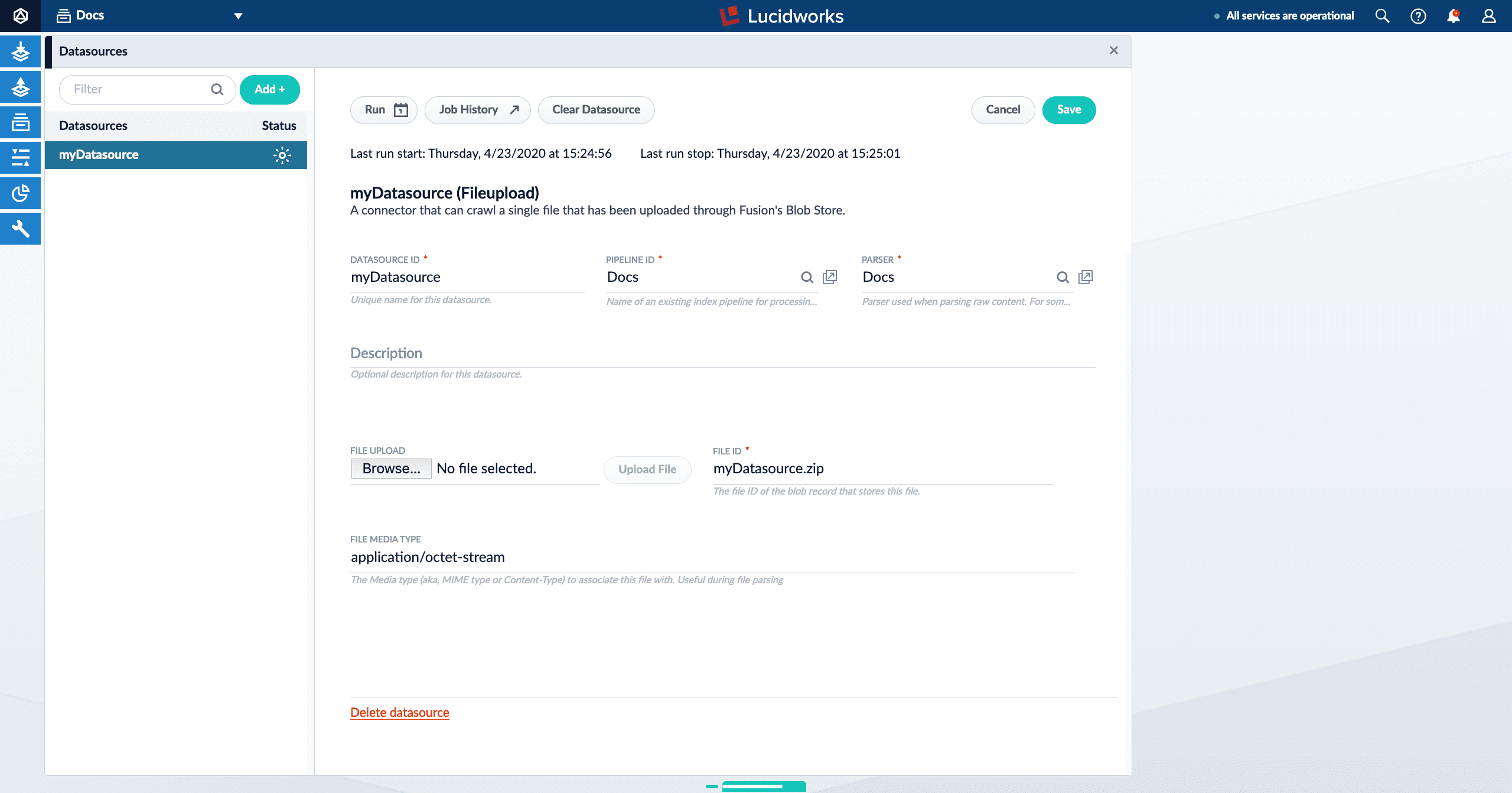
lastStartTime and lastEndTime values from the Jobs API call. (These values are only present if a job has been run at least once.)
In the job history panel, there is an icon on each datasource indicating its latest run history. The possible statuses are:
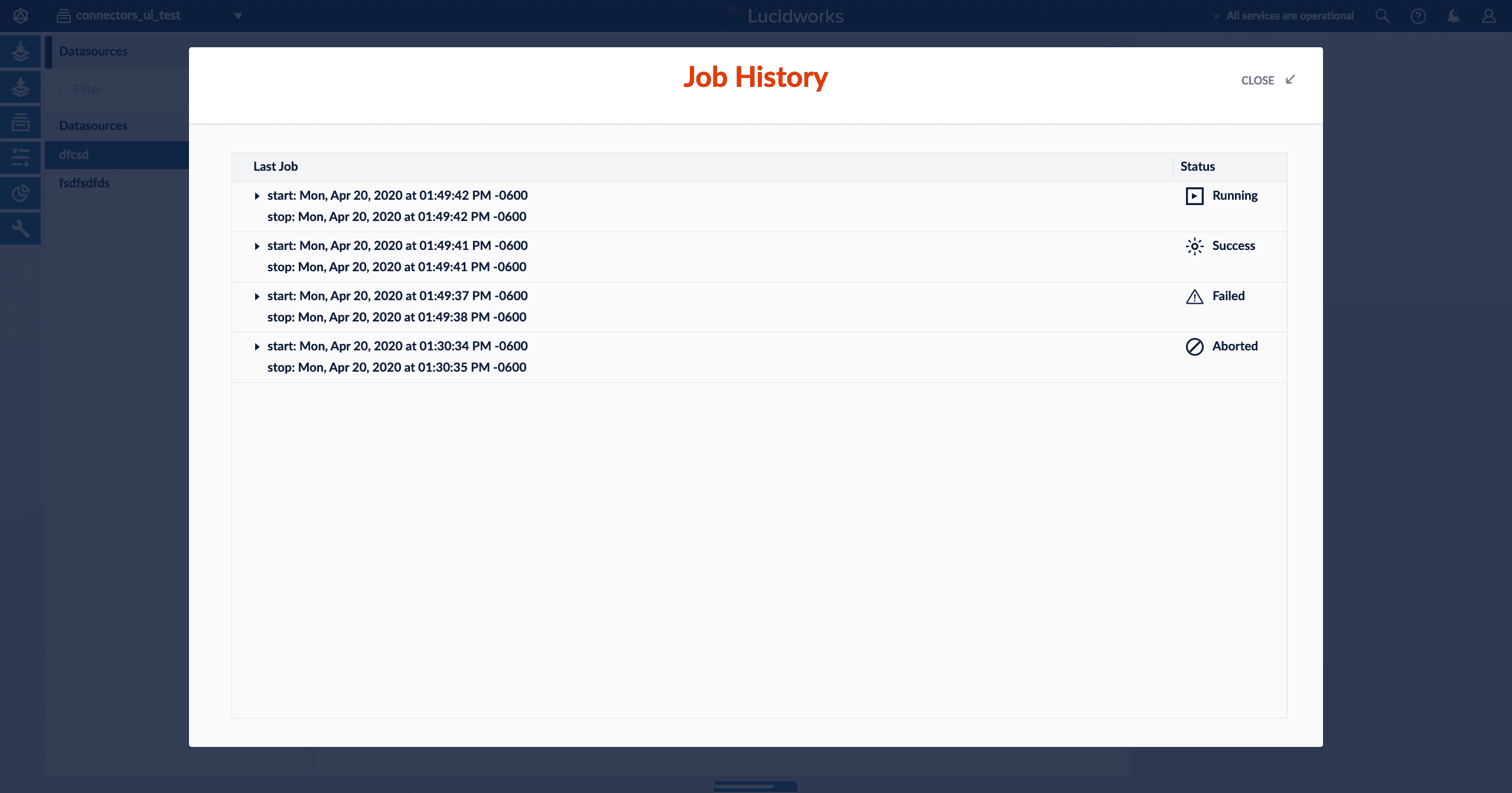
The image above shows all possible job statuses.
How does the Jobs API work?
In Checking a job status with the API above, two Jobs API endpoints were used to call the datasourcemyDatasource:
APP_NAME/jobs?type=datasource- Retrieves the current datasource job states for all datasources of a specified app. In this case, the app is specified asAPP_NAME.
You can also usetype=sparkto retrieve all Spark jobs andtype=taskfor task jobs./jobs/datasource:myDatasource/history- Retrieves a specific object’s job history. In this case, the object type is a datasource, as selected withdatasource:.
Datasources are not the only object type for jobs. There are also Spark jobs (spark:) and task jobs (task:).
JobController and SolrJobHistoryStore.
The Job Controller
The Job Controller is responsible for getting any active job’s run status, if an active job is running. In the case of V1 connectors classic datasource jobs, it will reach out to Fusion’s connectors-classic application’s connectors API. When the API application calls the connectors-classic Jobs API, it will first use Zookeeper to identify the IP address of the connector-classic node that is assigned to this datasource, if one exists. When the connectors-classic node IP assigned to the job is identified, the API application will call out to the connectors-classic node viahttp://<connectors-node-ip>:8984/connectors/v1/connectors/jobs/myDatasource. The call reaches the component ConnectorsManagerController to query the job status of currently running jobs with the ID myDatasource.
The Solr Job History Store
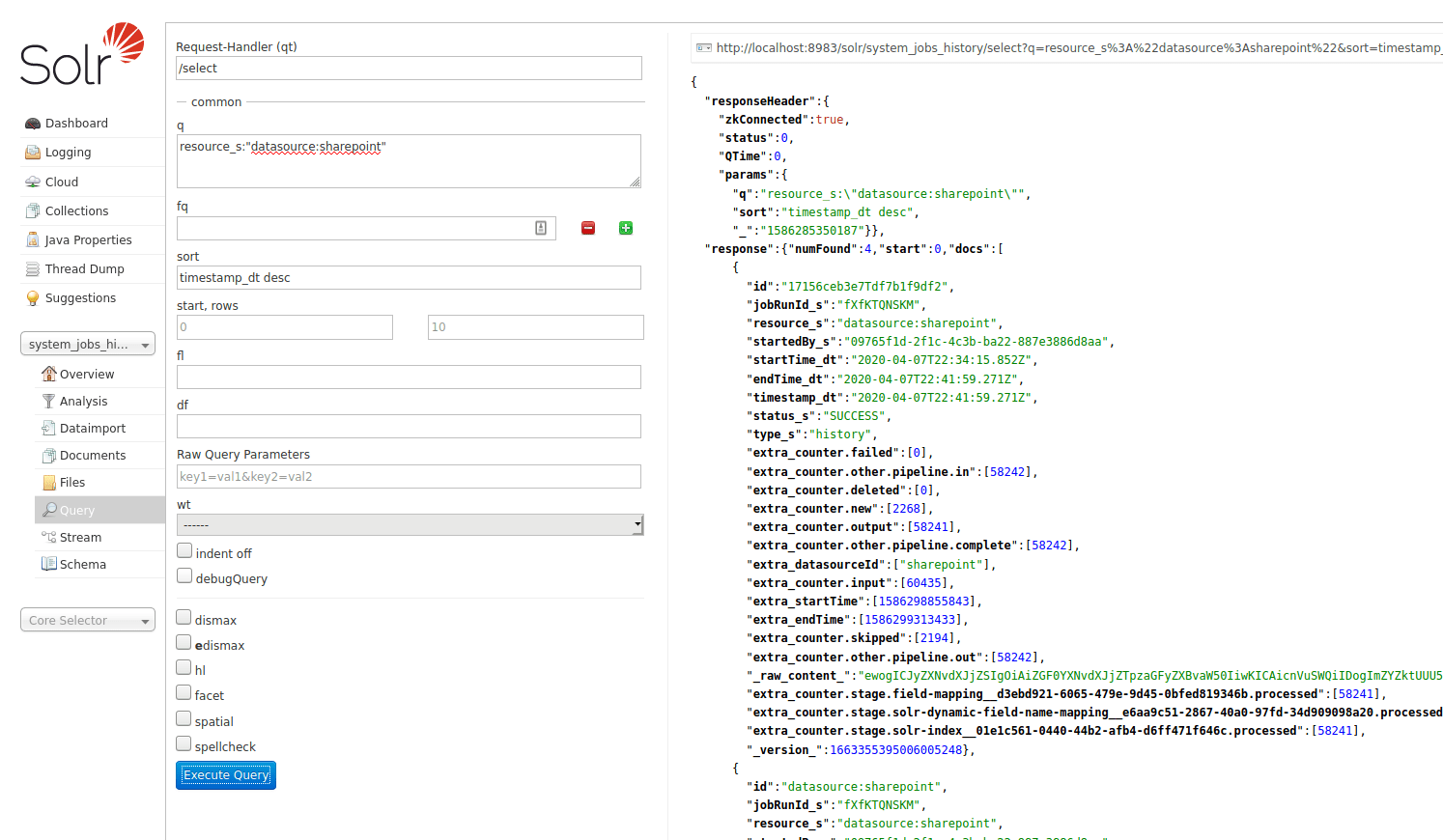
SolrJobHistoryStore reads and writes a job’s history data to and from Solr. Fusion’s API application creates a special system Solr collection, system_jobs_history, to store the history.
You can also query the job history from Solr directly, if you want: