The NLP Annotator index stage performs Natural Language Processing tasks.You can choose from different NLP libraries, either OpenNLP or the JohnSnow Lab library, which runs on Spark. Note: Only the pre-trained NER model is supported. If choosing an NER model, download NerDLModel instead of NerCRFModel.The NLP Annotator supports the following tasks:
If choosing JohnSnow Lab (recommended for large dataset processing):
NER (Name Entity Recognition)Fusion AI uses the deep learning pre-trained NER model that JohnSnowLab provides. Currently, the pre-trained extraction model covers the following name entities:
ORG (organization)
PER (person)
LOC (location)
This means that there are the only three types of entities Fusion will recognize from the source field.
Sentence detection
POS(Part of Speech) Tagging
If choosing OpenNLP:
NER
Sentence detection
POS Tagging
Shallow Parsing (Chunking)
Example of how to use NLP Annotator Index stage:
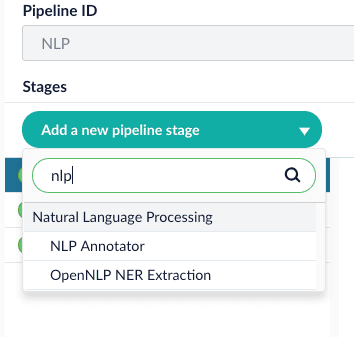
Add NLP Annotator index stage.
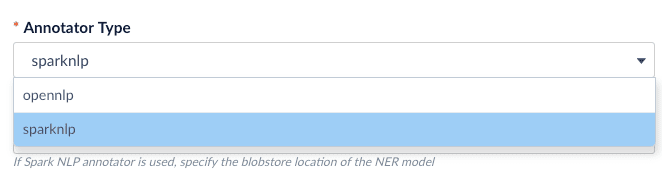
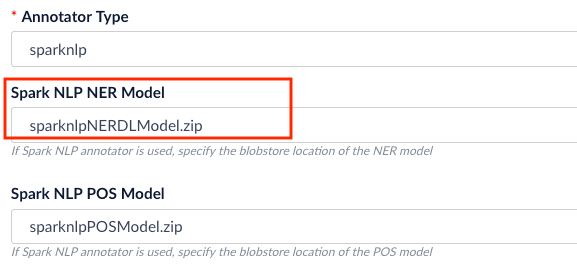
Choose the annotator type (OpenNLP or SparkNLP).
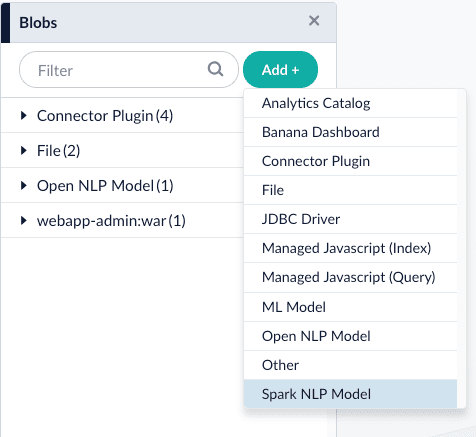
If you select the sparknlp model, you need to download and install one or more models:
.. Download the models at https://github.com/JohnSnowLabs/spark-nlp#models.
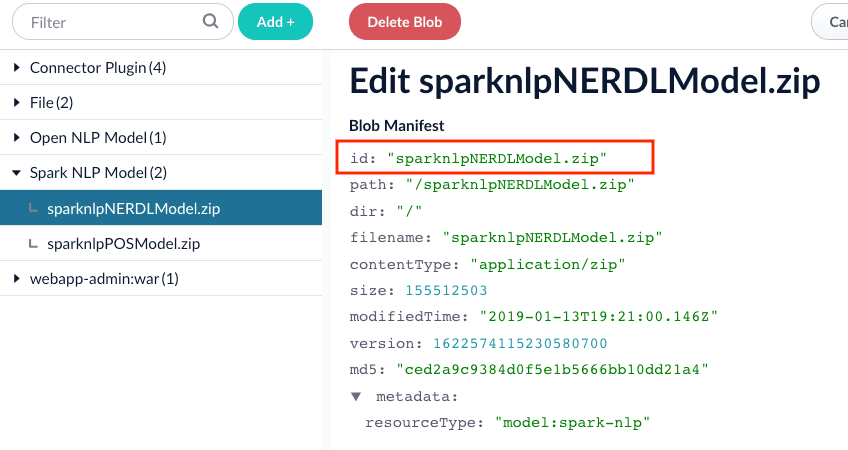
.. Rename the downloaded models to something easy to identify, then upload them to Fusion’s blob store.3. Configure the index pipeline stage:
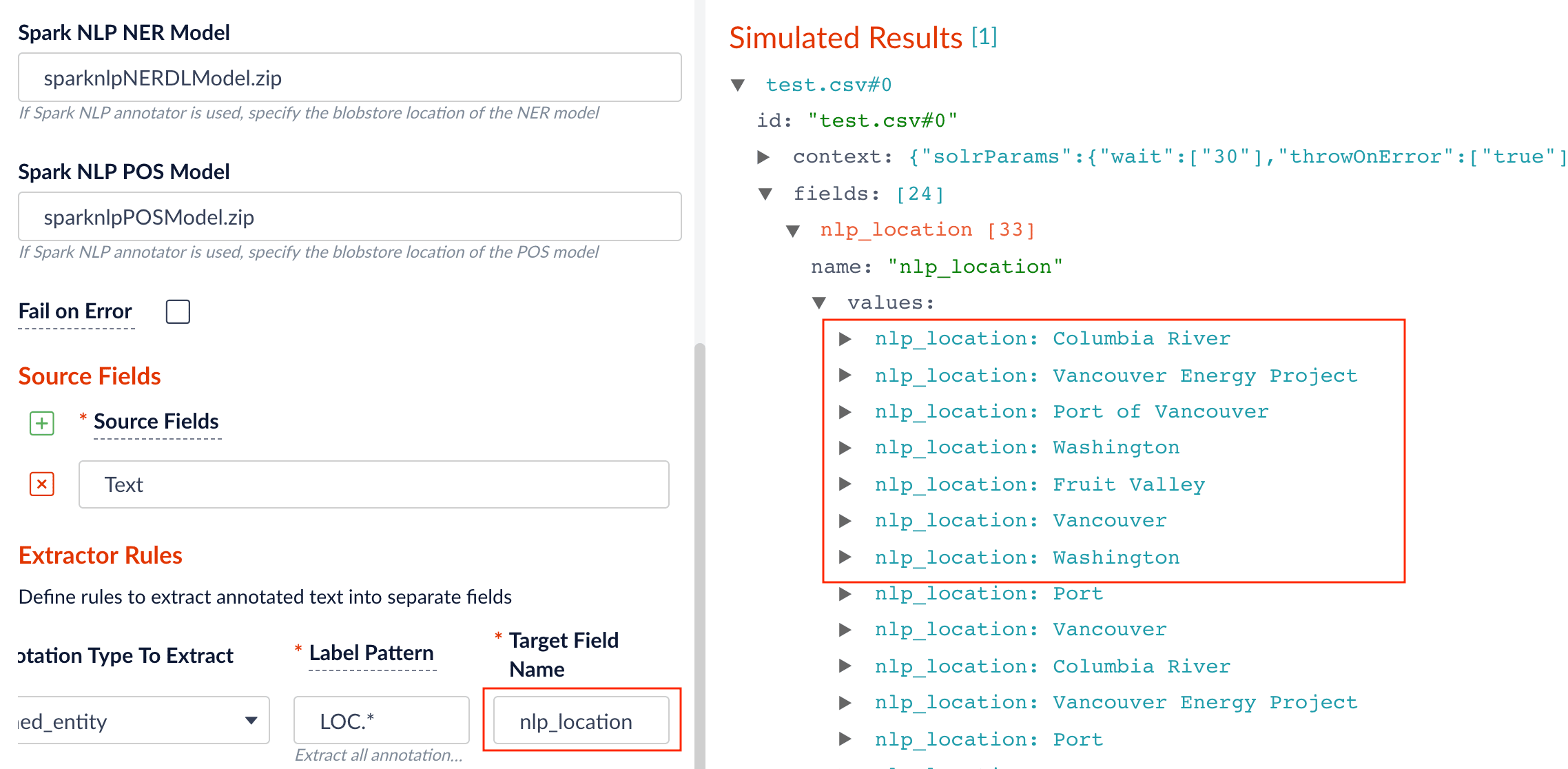
Specify the model to use (fill the box with model id in the blob store).
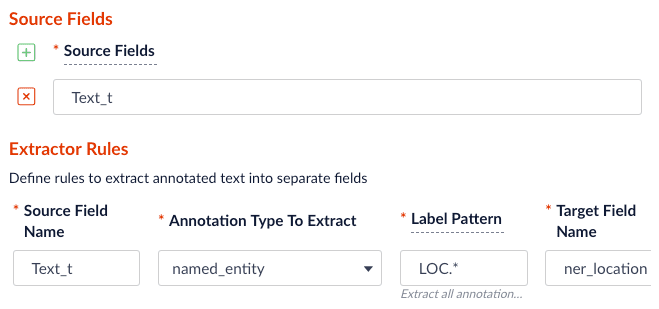
Specify the source, label pattern, and target (destination) fields:
source field: the raw text with name entities to be extracted.
label pattern: regex pattern that matches the NER/POS labels: for example, PER. will match extracted name entities with label PERSON, while NN. will match tagged nouns.
target field: the outcome extraction/tagging and so on.
When entering configuration values in the UI, use unescaped characters, such as \t for the tab character. When entering configuration values in the API, use escaped characters, such as \\t for the tab character.