> ## Documentation Index
> Fetch the complete documentation index at: https://doc.lucidworks.com/llms.txt
> Use this file to discover all available pages before exploring further.
# Analytics
export const LwTemplate = ({title = "Key questions to get you started", icon = "sparkles", cta = "Powered by Agent Studio", linkHref = "https://lucidworks.com/demo/?utm_source=docs&utm_medium=referral&utm_campaign=docs_cta_ai"}) => {
const [isLoaded, setIsLoaded] = useState(false);
useEffect(() => {
const timer = setTimeout(() => {
setIsLoaded(true);
}, 500);
return () => clearTimeout(timer);
}, []);
return
{isLoaded && `
}} />}
Powered by Lucidworks Agent Studio
;
};
[localhost link]: http://localhost:3000/docs/5/fusion/getting-data-out/data-analytics/app-insights/analytics
[mintlify link]: https://doc.lucidworks.com/docs/5/fusion/getting-data-out/data-analytics/app-insights/analytics
[old doc.lw link]: https://doc.lucidworks.com/fusion/5.9/459
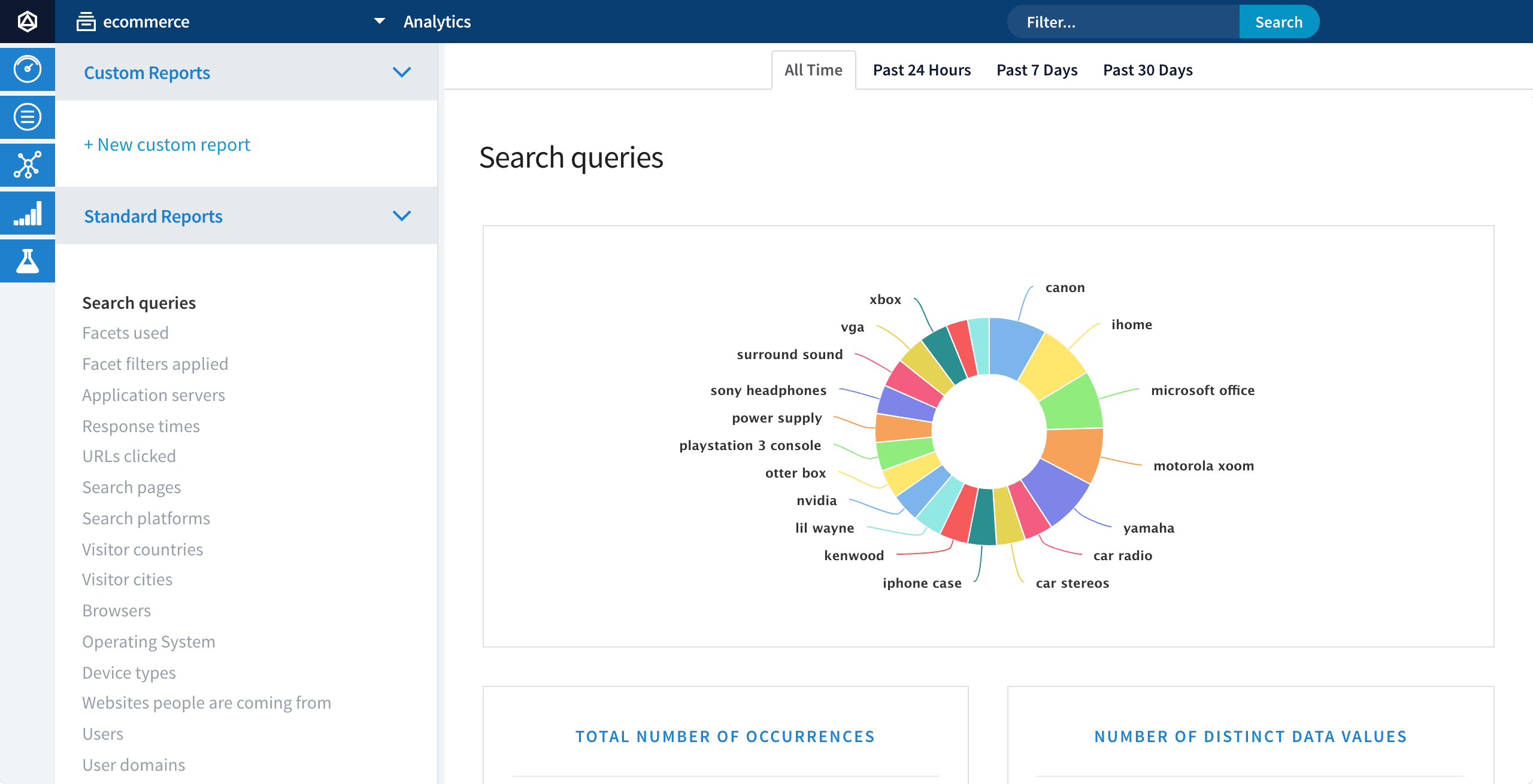
Analytics include a standard set of reports, plus the ability to create custom reports. Custom reports can also be defined on the [Dashboards](/docs/5/fusion/operations/monitoring-and-reporting/banana-dashboards/overview) and [Events](/docs/5/fusion/getting-data-out/data-analytics/app-insights/events) pages. Report data can be filtered by time or by free text search, and reports for tabular data can be exported by clicking **Export table**.
## Standard reports
To view the standard reports, click **Analytics**, then select one of the standard reports:
* Facets used
* Facet filters applied
* Application servers
* Applications
* Response times
* URLs clicked
* Type of query
* Search pages
* Search platforms
* Types of response
* Visitor countries
* Visitor cities
* Browsers
* Operating System
* Device types
* Websites people are coming from
* Users
* User domains
* Types of event
* Head Tail analysis